

Everyday ownership
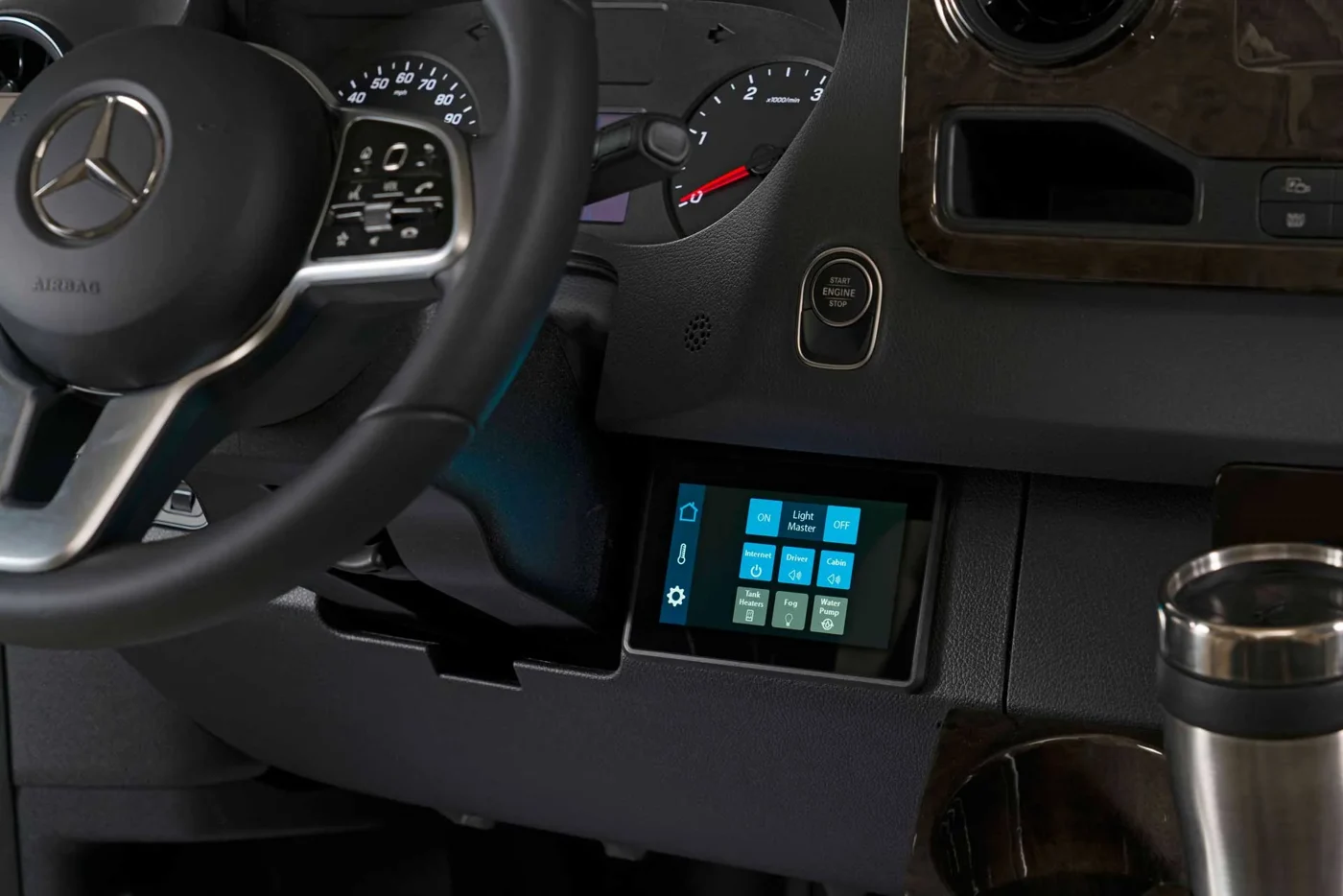
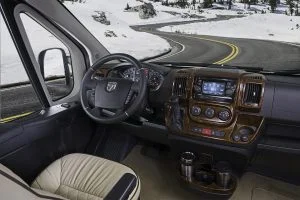
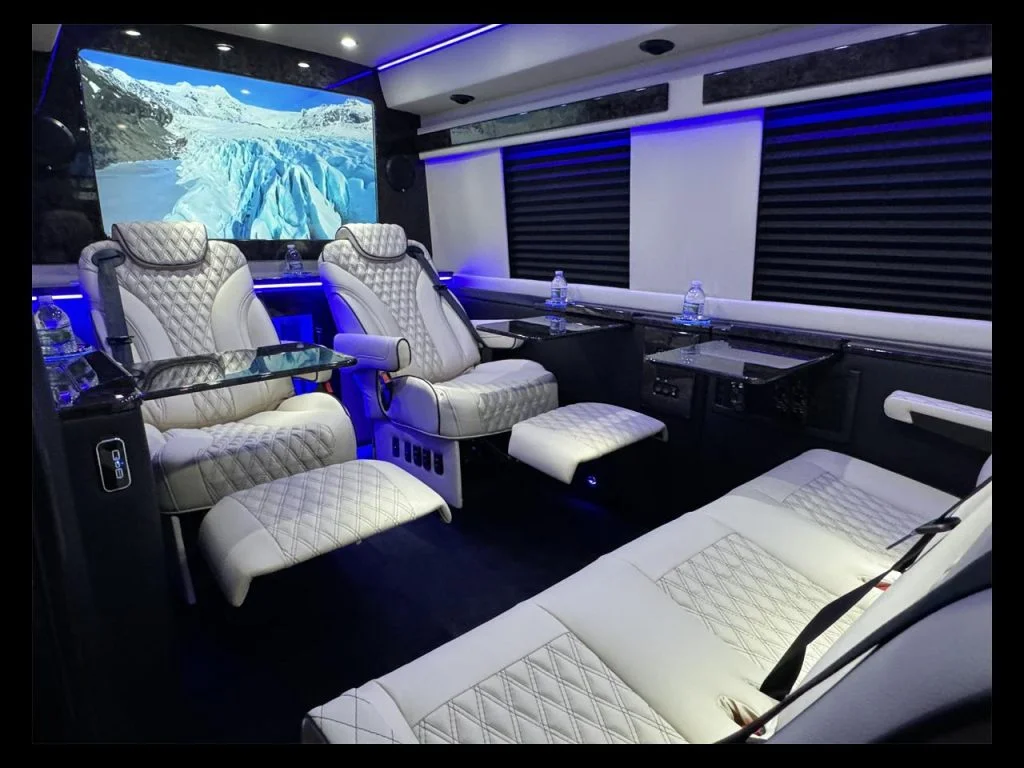
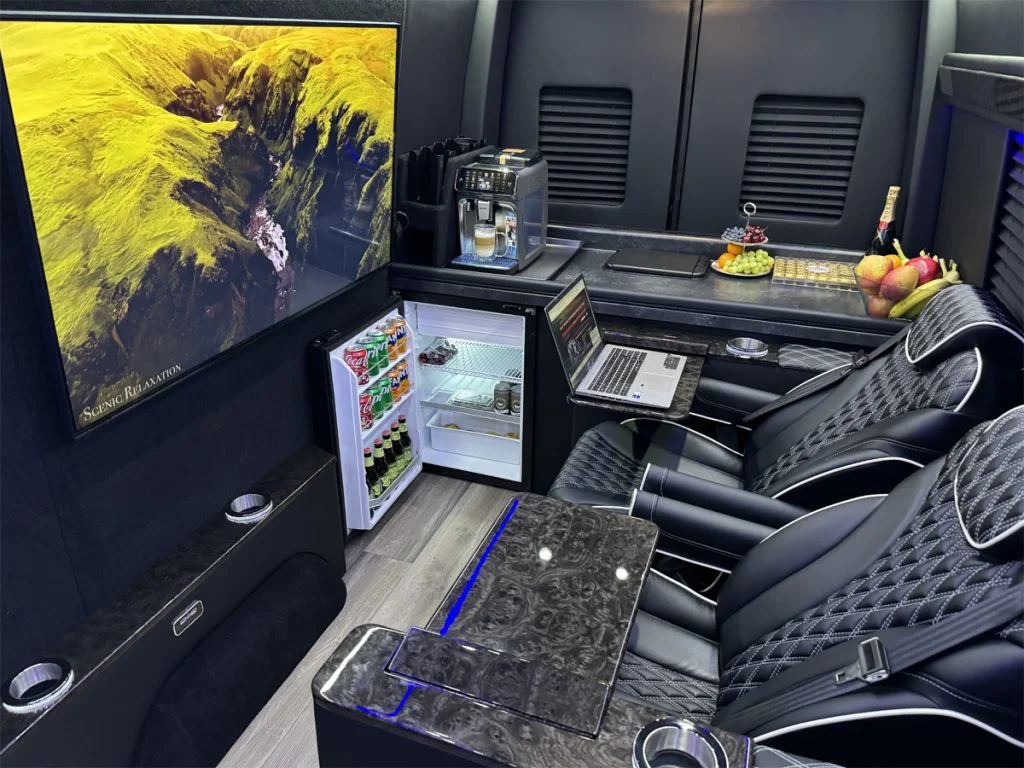
A converted Sprinter has two service histories: the Mercedes-Benz vehicle and the coach equipment installed inside it. A warning on the dashboard and a refrigerator that stops cooling may require different technicians, even when they happen on the same trip.
Start by identifying which system needs attention. You can then book a shop that handles the problem and has room for the completed van.
Start with a Mercedes-Benz Vans service location for chassis work
Use the Mercedes-Benz Vans dealer locator to find candidates for engine, transmission, brake, steering and factory electrical concerns. Call the service department before traveling. Confirm that it services your Sprinter’s model year and drivetrain, accepts converted vehicles and can accommodate your van’s height, length and loaded weight.
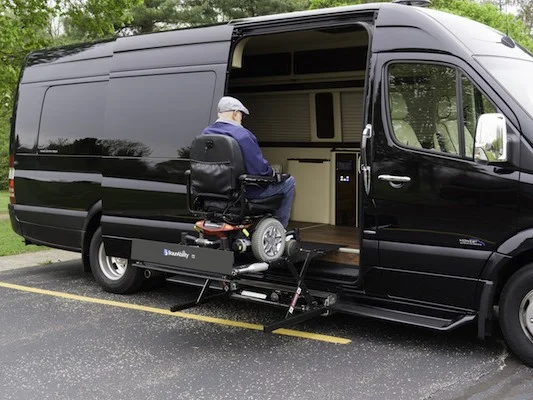
Give the shop your VIN and describe the conversion. Roof equipment can affect bay clearance; tanks, steps or equipment under the body may affect how the vehicle is lifted. Ask what information the technician needs from the builder before the appointment.
Route coach problems to the builder or component specialist
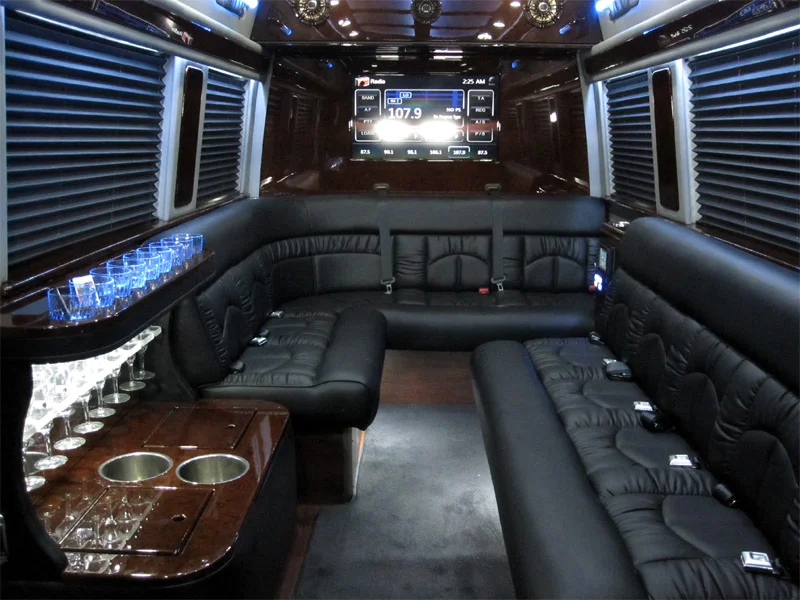
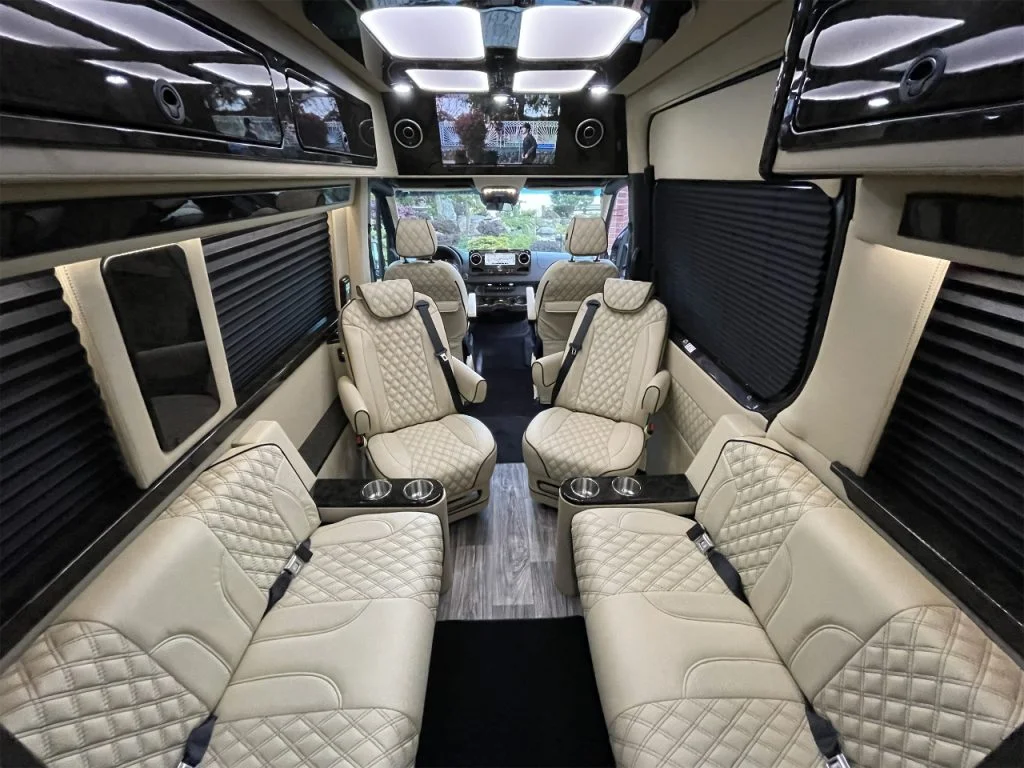
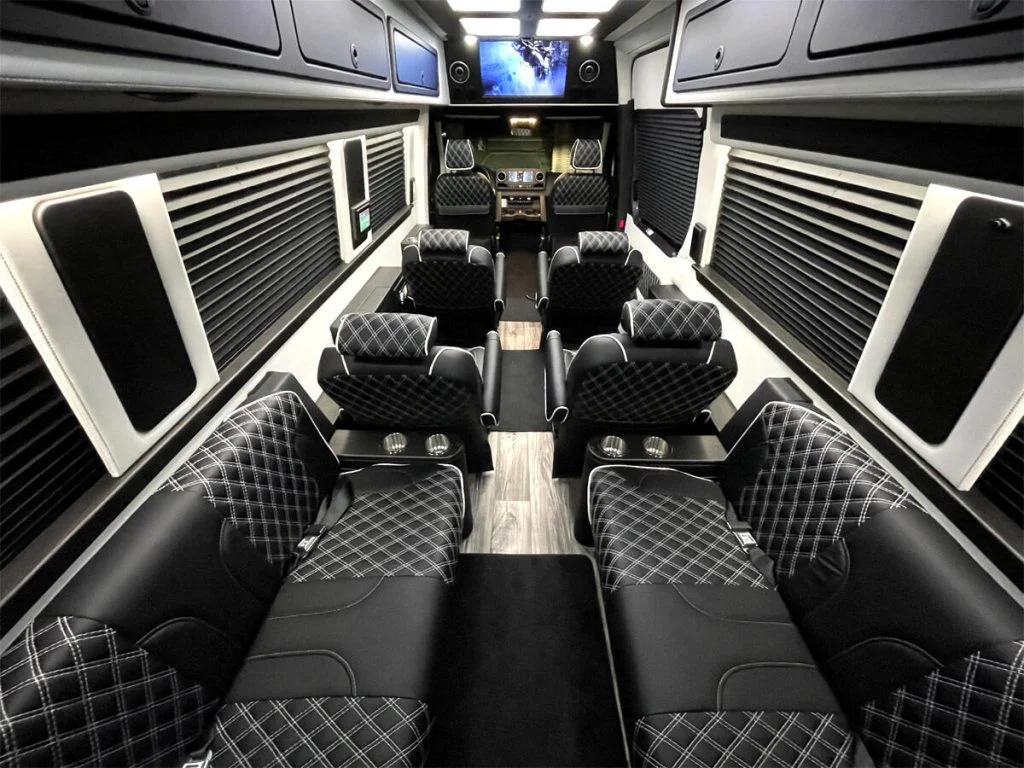
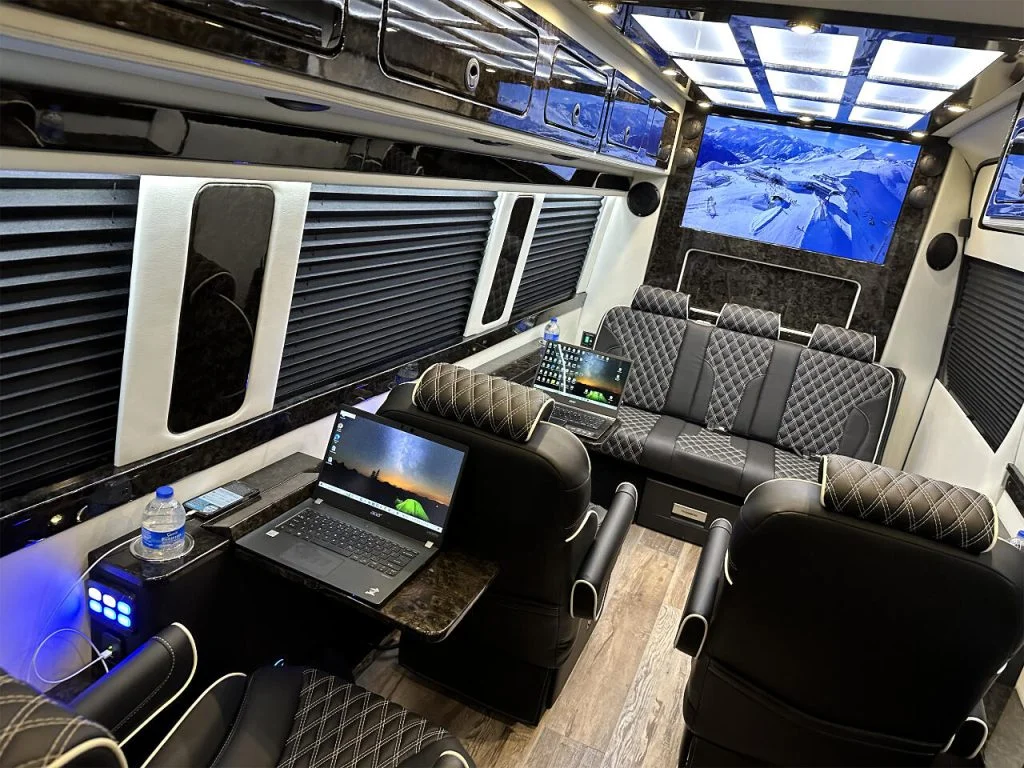
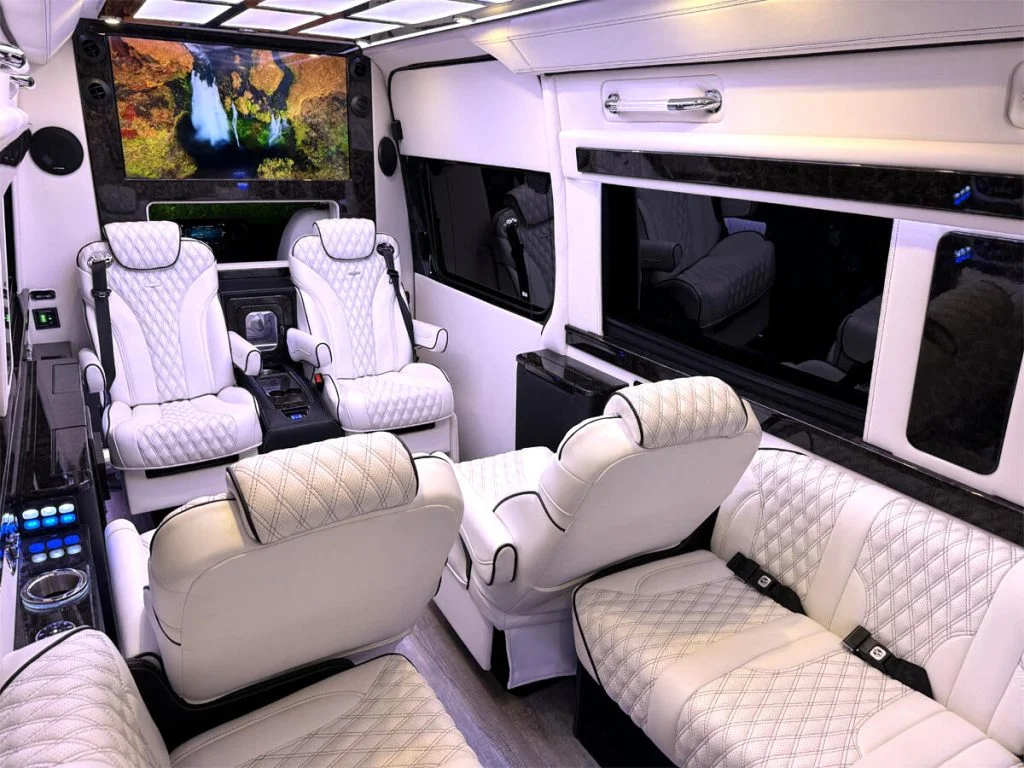
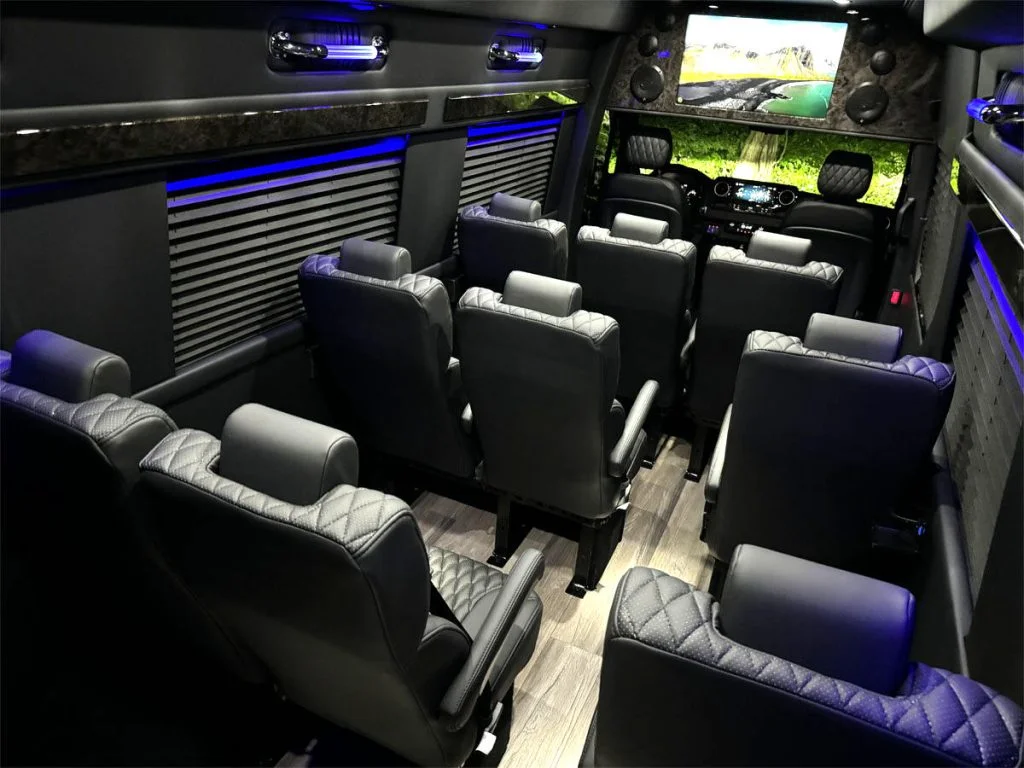
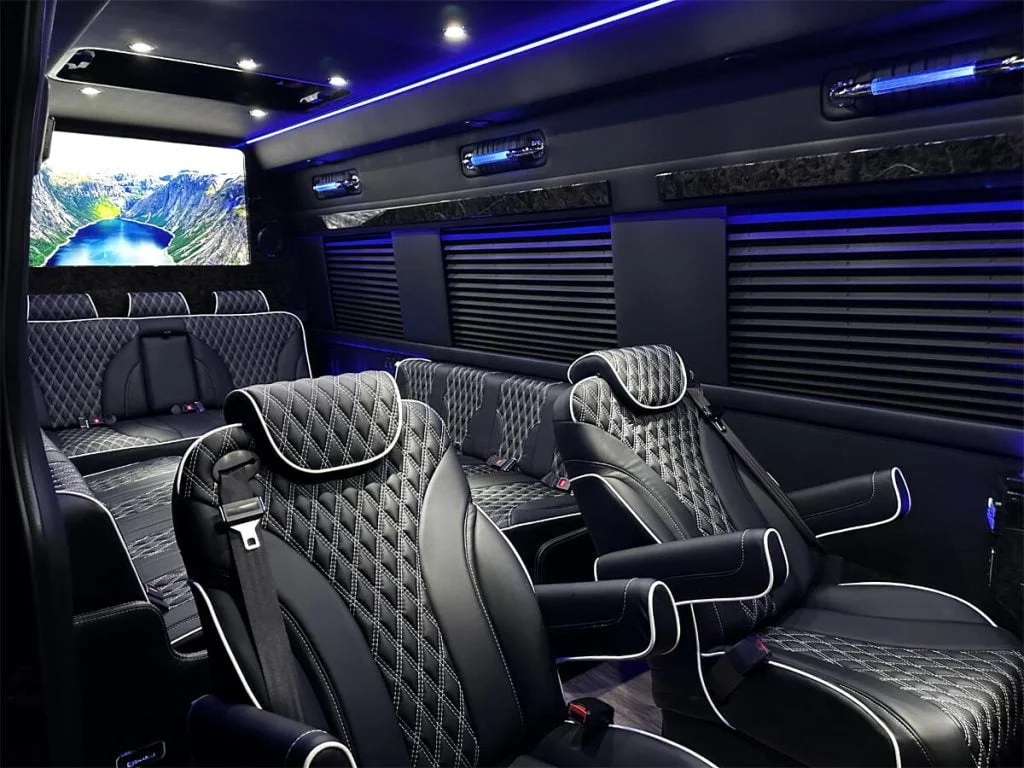
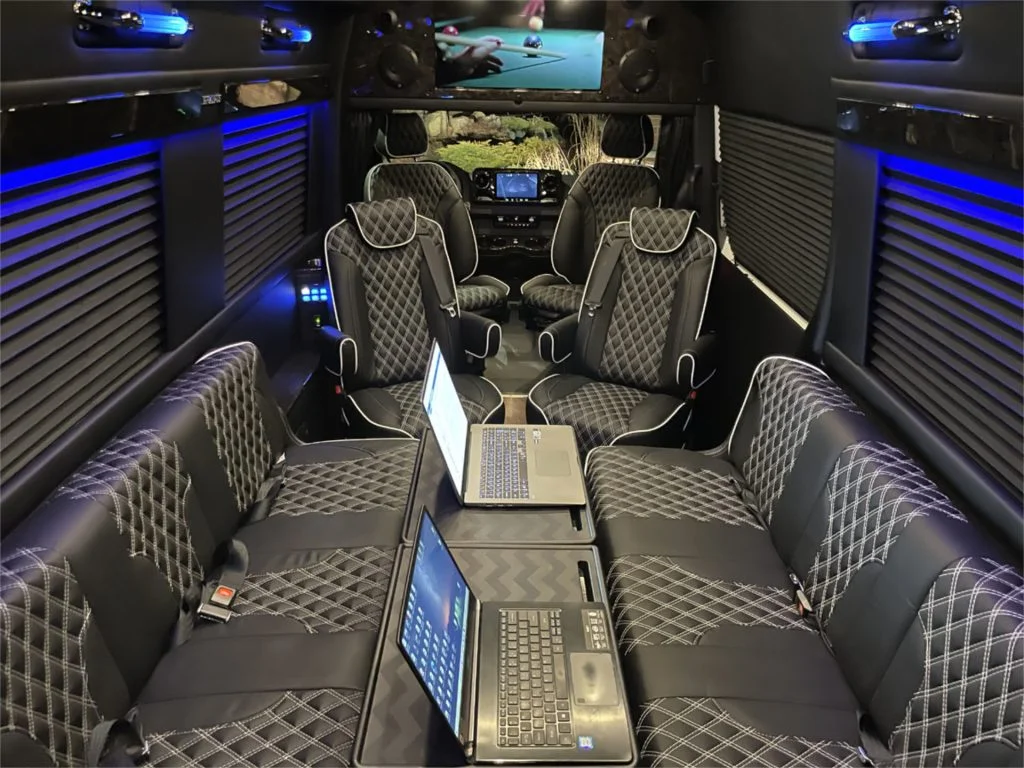
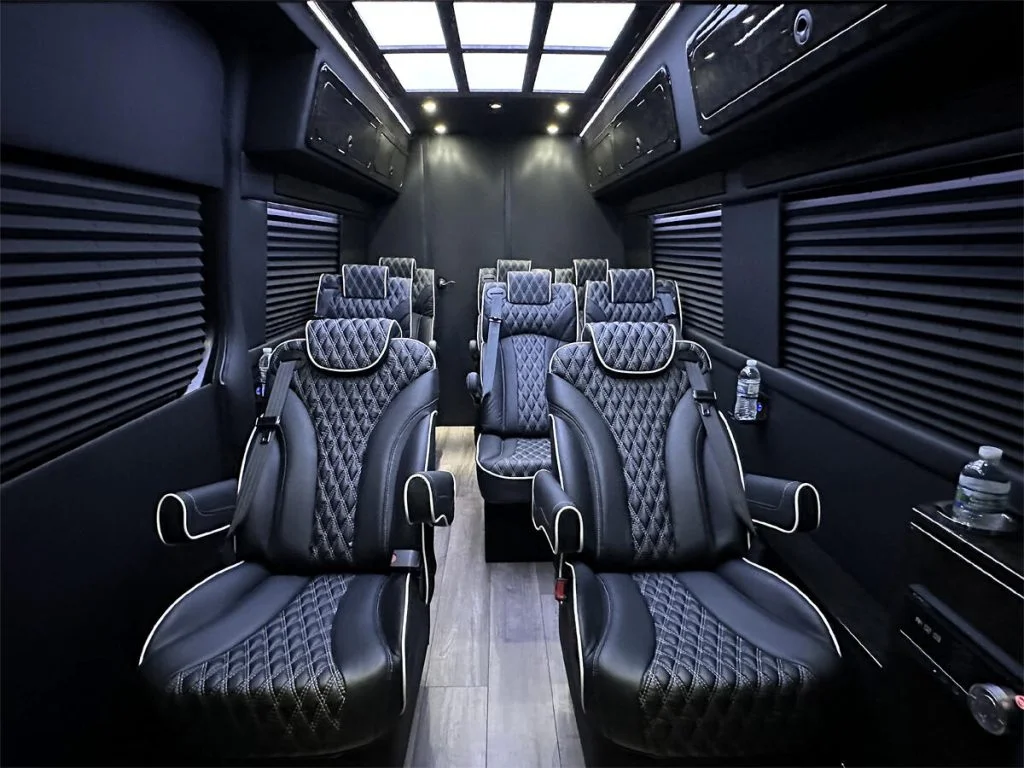
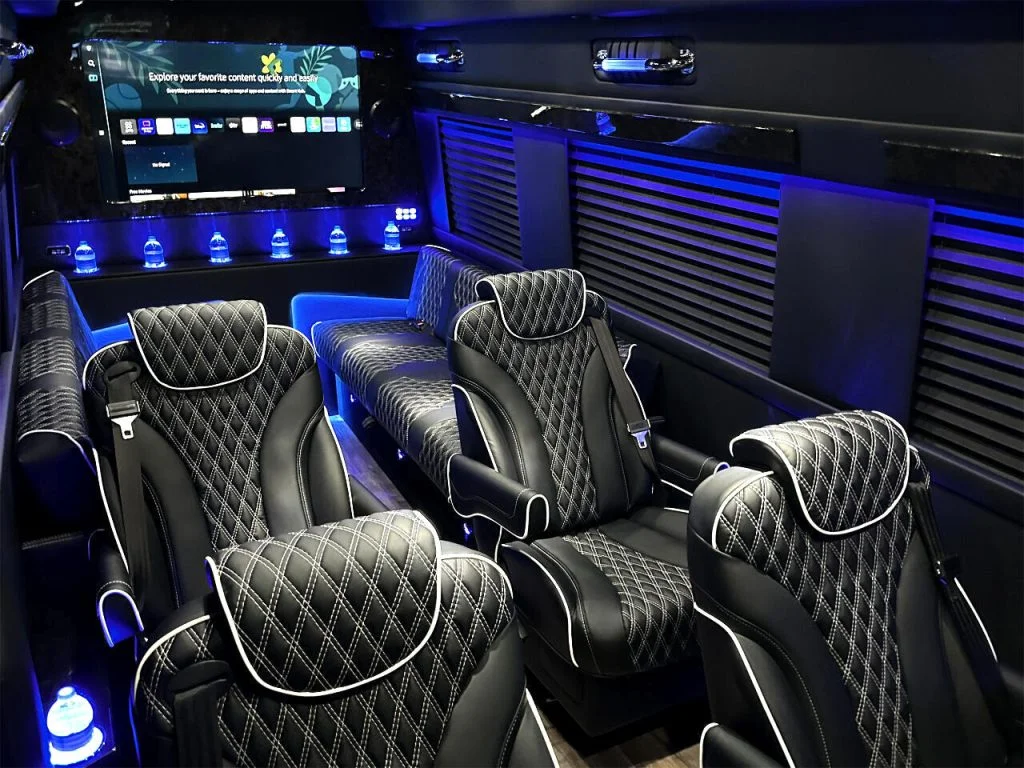
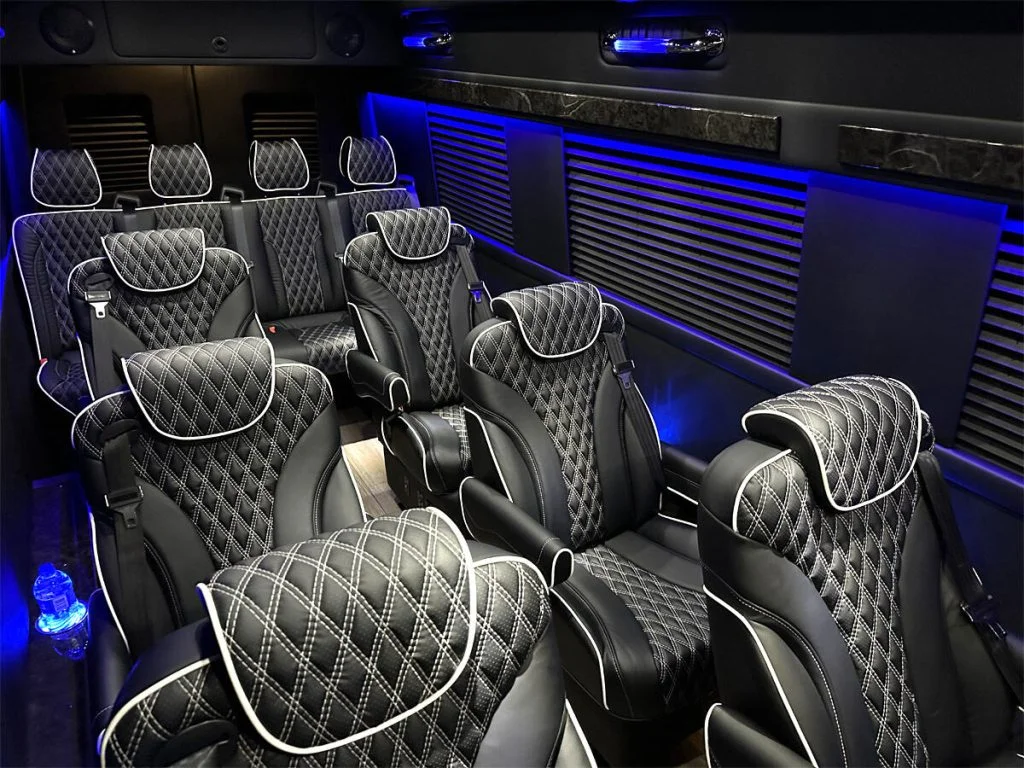
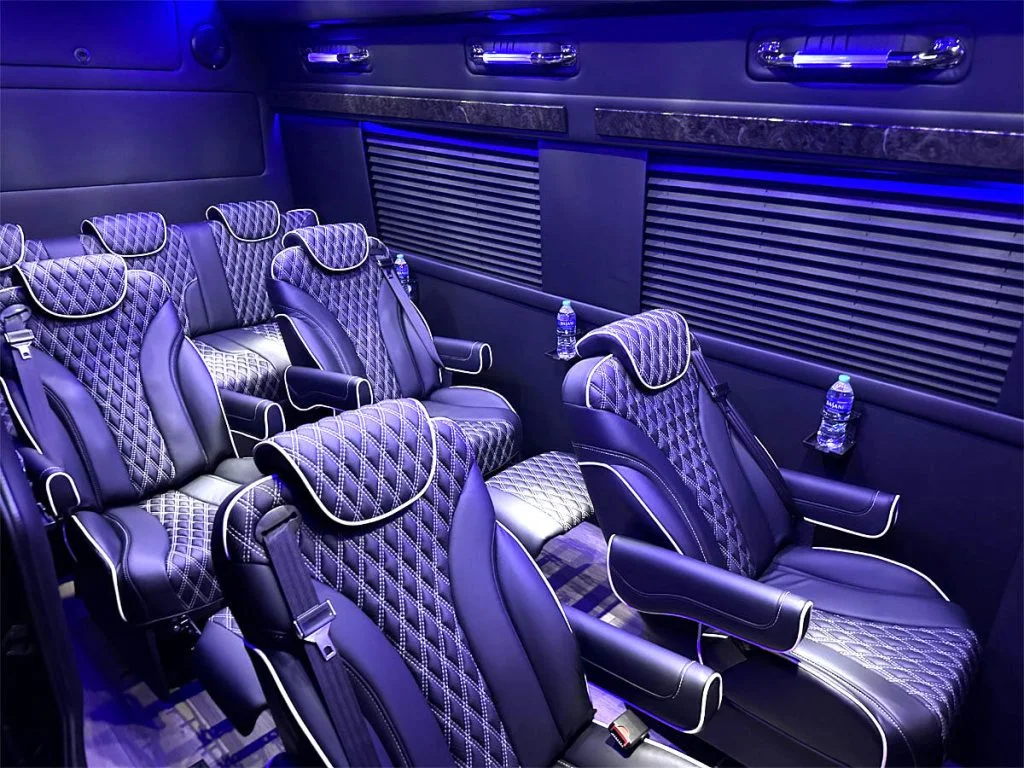
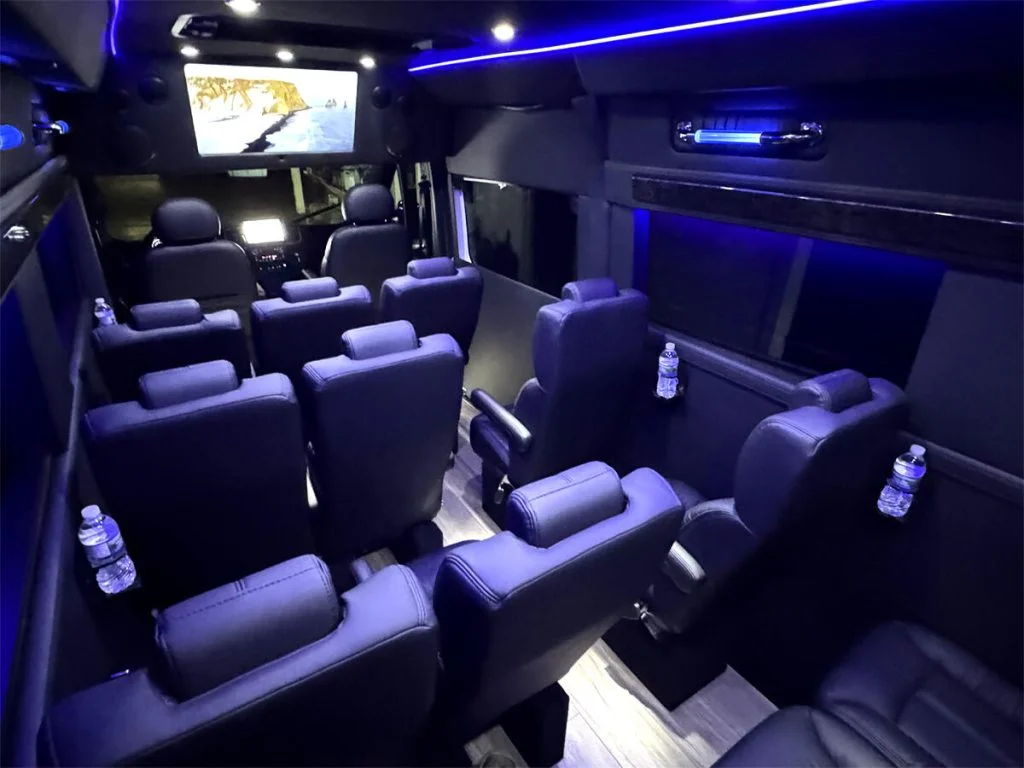
Rear cabin lighting, entertainment systems, power seating, auxiliary batteries, plumbing and rooftop climate equipment may be conversion systems. Contact the selling dealer or coachbuilder with the component brand, model and serial number. They can tell you whether they handle the work, authorize another provider or direct you to the equipment manufacturer.
Do not assume the Mercedes appointment includes coach troubleshooting. Equally, a conversion specialist may not perform Mercedes chassis diagnostics. If the fault crosses systems, such as house batteries no longer charging while driving, ask the two providers to agree who will diagnose the interface.
Send a symptom record that a technician can use
- The exact warning or error code, photographed while safely parked.
- When the problem began, and whether it happens every time.
- Whether the engine was running and shore power was connected.
- Which other appliances or controls were operating.
- Any recent repair, software change or equipment installation.
- VIN, mileage, coach identification and component serial numbers.
“The rear outlets work on shore power but stop when unplugged” is a much better starting point than “the van has no power.” Do not remove electrical panels or repeatedly reset a fault to gather more evidence. Report burning smells, visible damage or leaks immediately and stop using the affected system.
Use the schedule for your actual van
Download the correct model-year documents from the Mercedes-Benz owner manual library. Use the vehicle’s service indicator and applicable service information, with your service advisor’s guidance. A mileage interval copied from another owner’s van can miss time-based work or differences between model years.
Keep coach maintenance in the same folder but on its own schedule. Equipment manuals may specify separate inspection, cleaning or seasonal procedures. Low annual mileage does not tell you when a water system was last winterized or an appliance filter was last cleaned.
Clarify the estimate and authorization
Before dropping off the van, request the diagnostic charge, the limit on work that can proceed without another call and the expected parts timeline. Ask whether a warranty administrator must authorize the repair first. Coverage comes from the applicable contract and the cause of the fault; neither the badge on the grille nor the shop’s location settles it.
Remove valuables, photograph the interior and note which cabinets or compartments the technician needs to access. At collection, ask for the cause, the work performed and a demonstration that the original symptom is resolved. Add the invoice to your records even if the repair cost was covered.
Building a service folder for the first time? Our delivery-day checklist lists the documents and demonstrations to request before your first long drive.
Source links appear beside the details they support. Equipment instructions apply to the named product; use your own van’s manuals. Destination conditions checked September 8, 2026.