

Buying & ownership
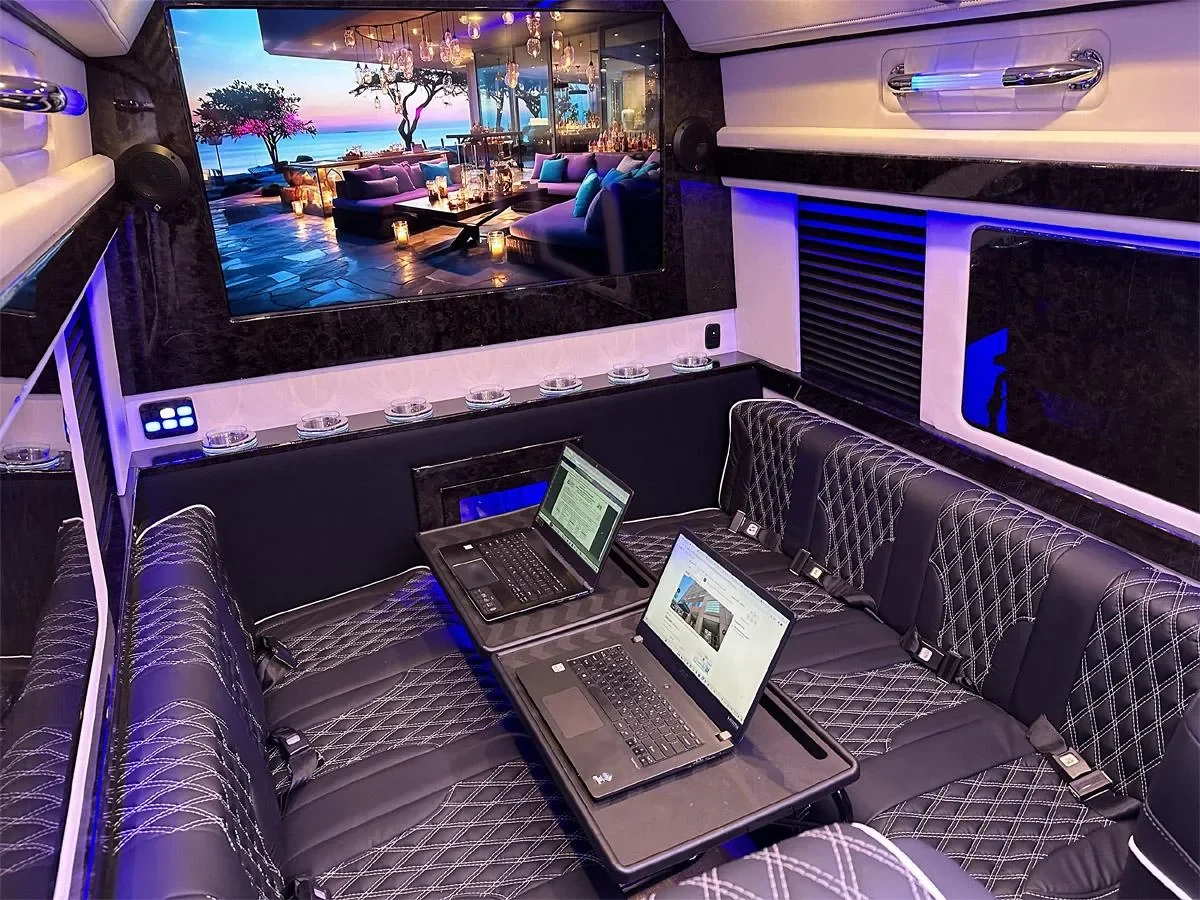
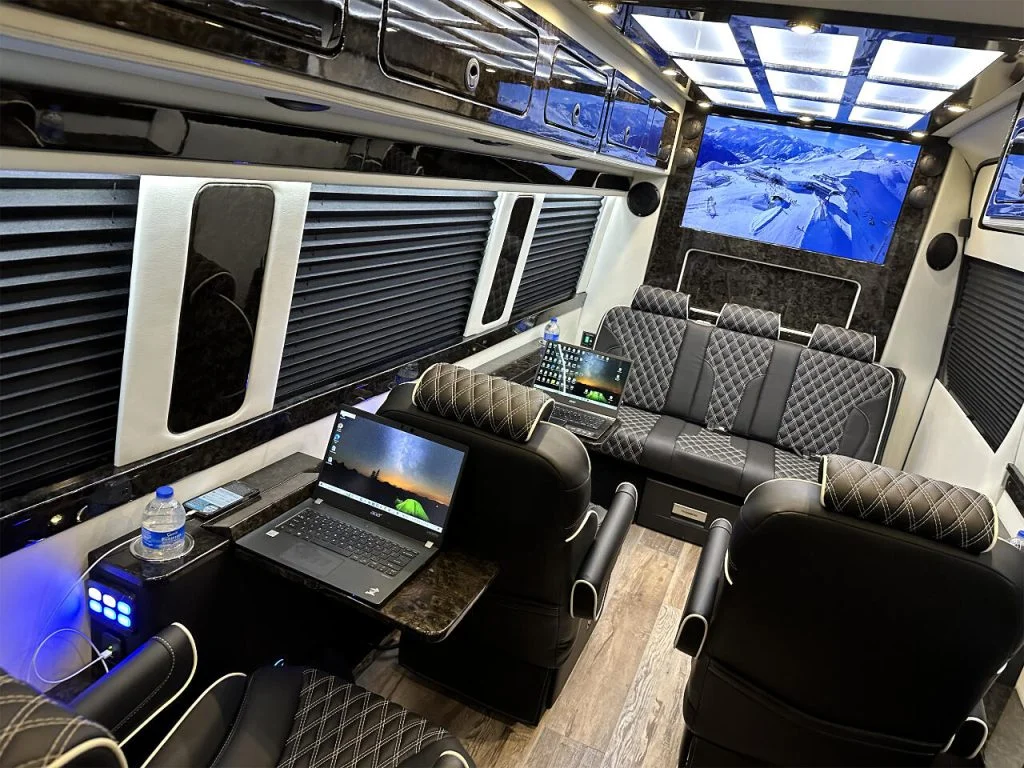
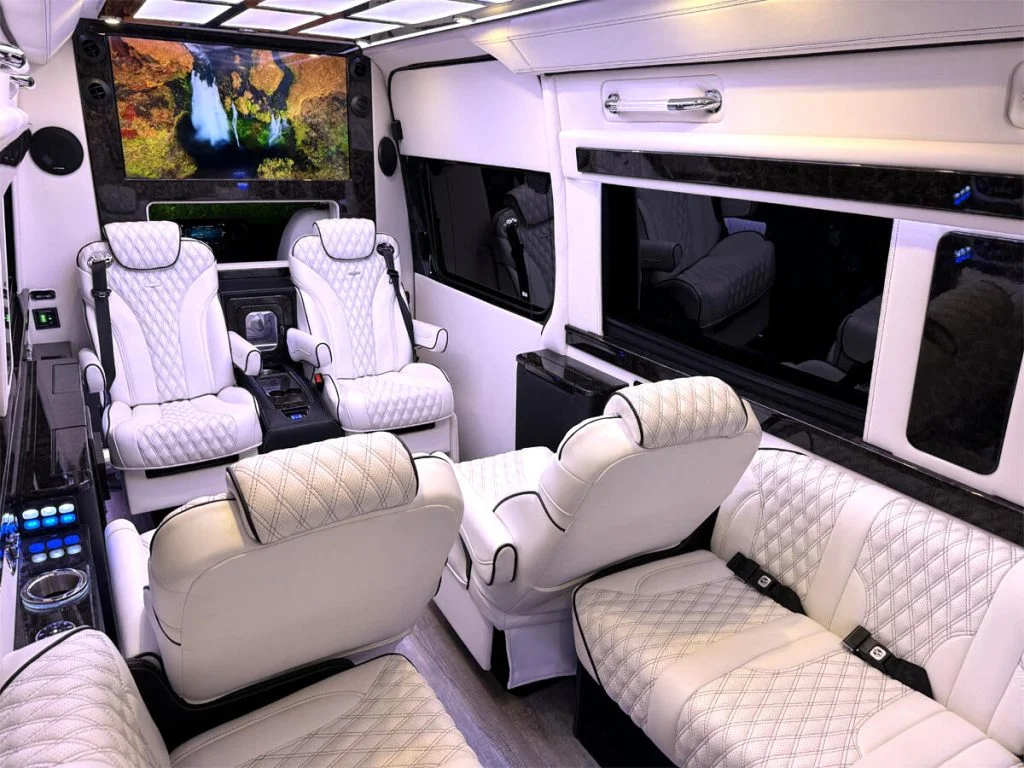
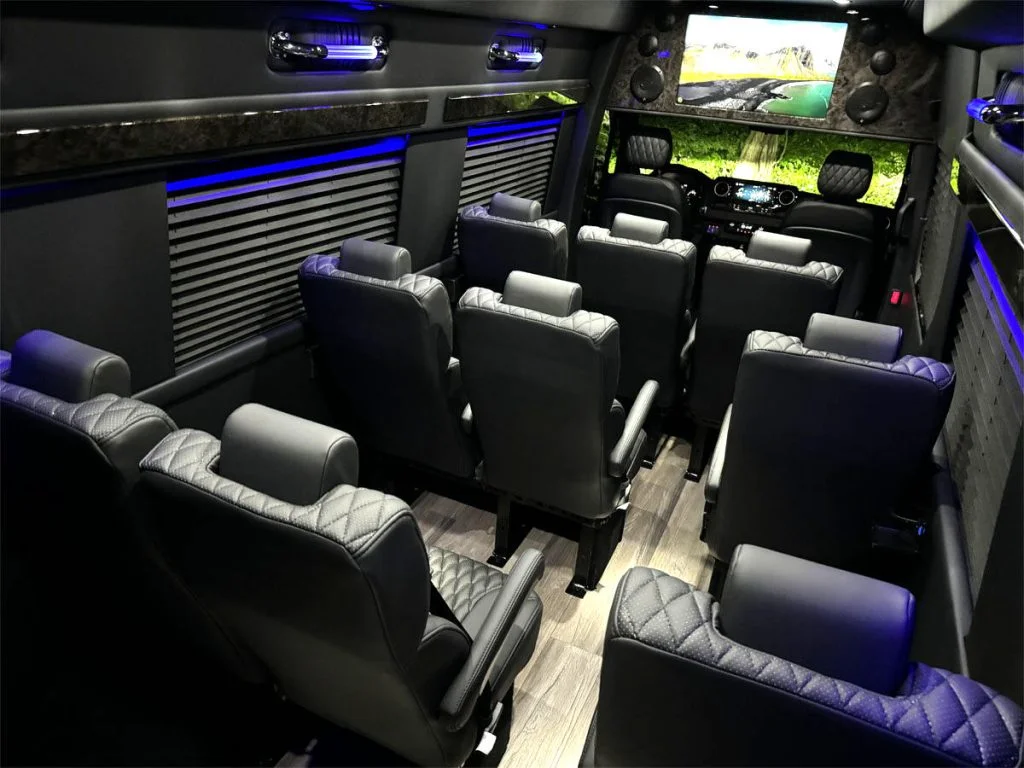
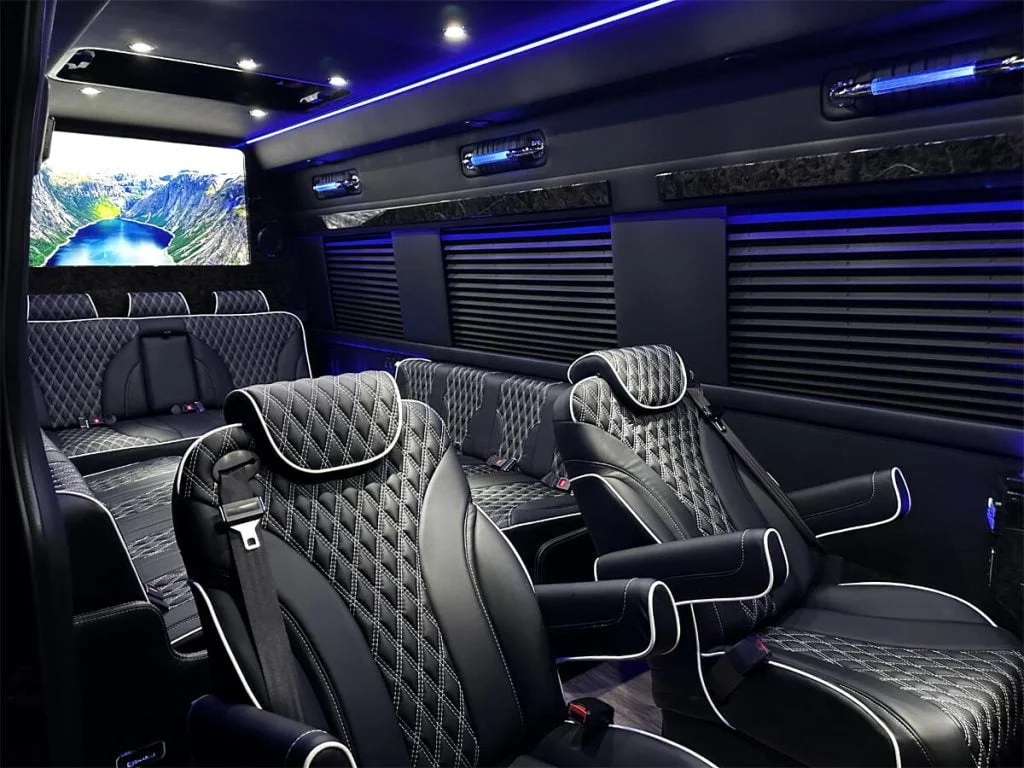
A luxury Sprinter can give you a useful place to answer messages between appointments or finish a project at a campsite. Whether it works for a full morning depends on more than Wi-Fi. The seat, table, lighting and background noise have to suit the work you actually do.
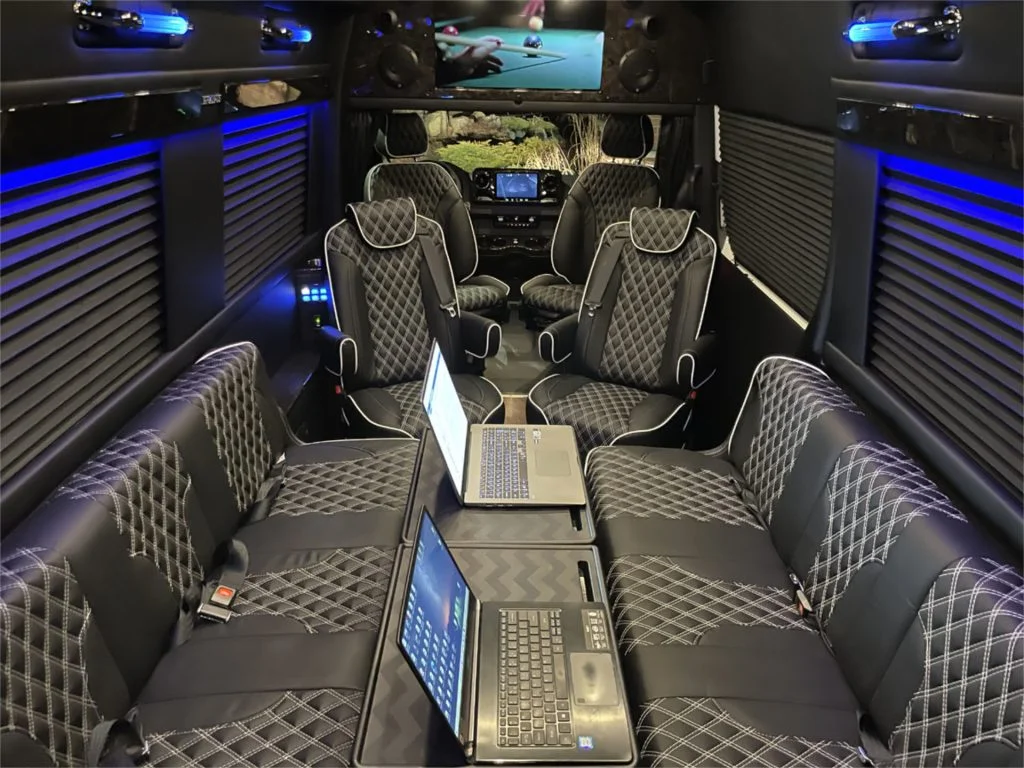
Before choosing a van as a mobile workspace, arrange a parked demonstration with your own equipment. Bring the laptop, charger, mouse, headset and any documents you normally spread out. A short rehearsal will tell you more than a photograph of an open laptop on a table.
Start with the task you need to finish
Write down a realistic work session: edit a spreadsheet for an hour, take two video calls, then review a document. A place that feels comfortable for checking email may be awkward for detailed editing. If two people work at once, test both positions together rather than assuming the second seat is equally useful.
Choose the parking situation you expect to use. A quiet driveway demonstration cannot establish how a cabin will sound beside a busy road. Confirm that parking and working there are permitted, and plan somewhere else to go if heat, noise or an unreliable connection interrupts the session.
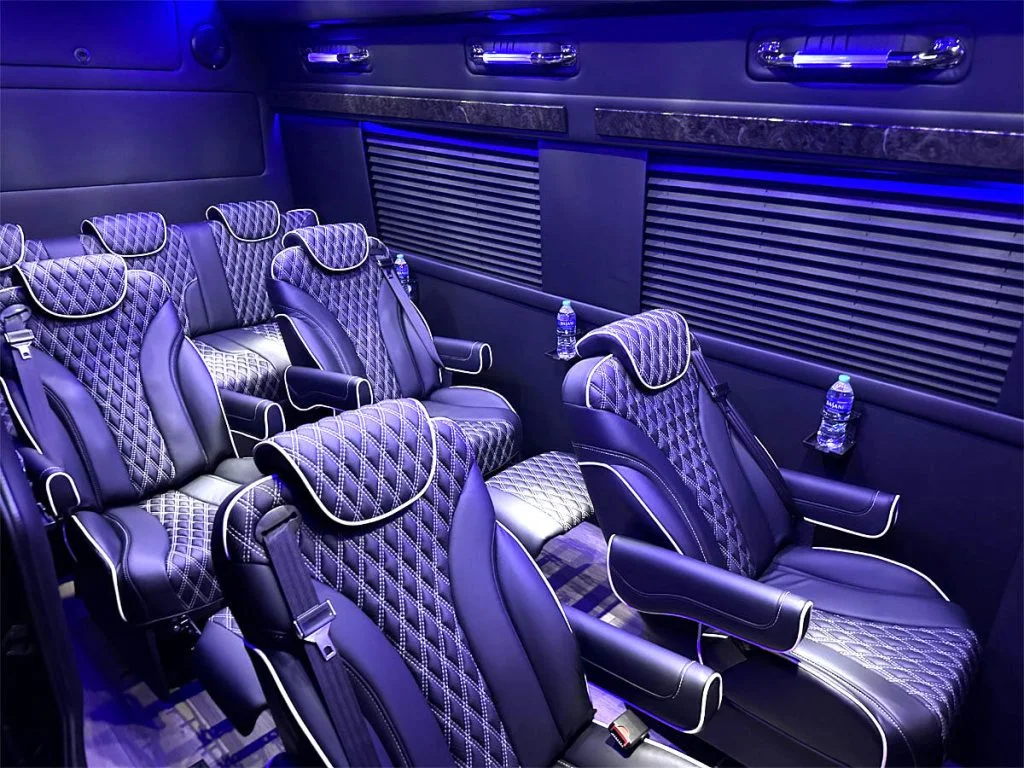
Check the seat and table together
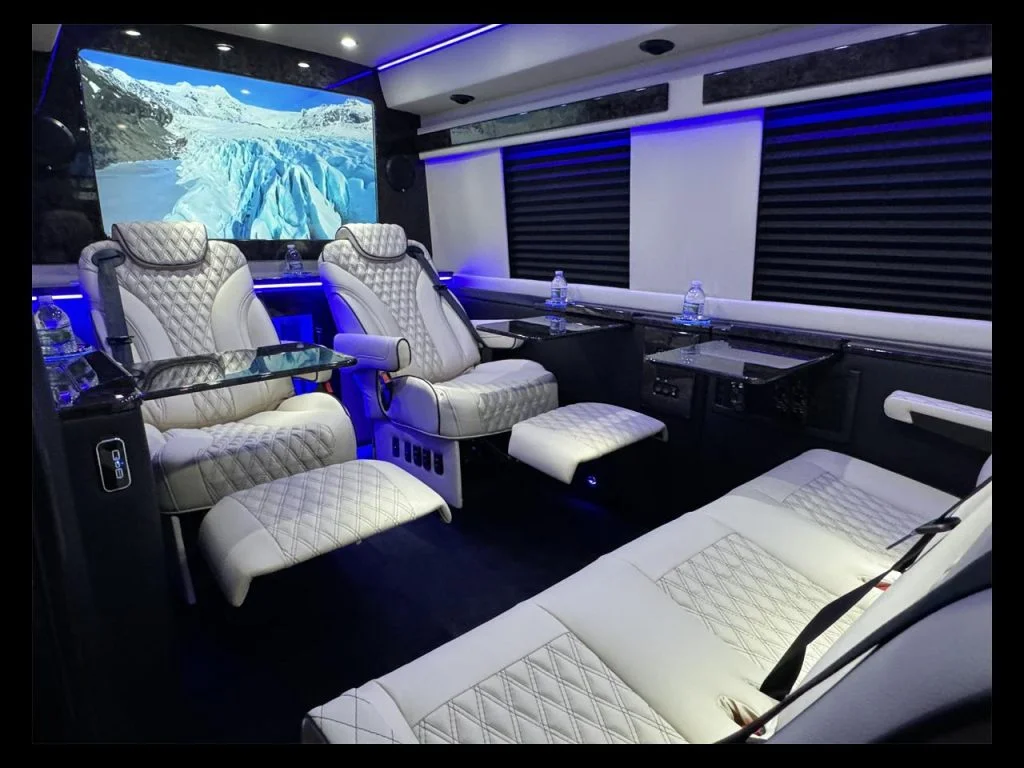
Set up the table as the conversion manufacturer instructs. Check that it is stable and leaves room for your legs. Sit back, put your feet on a supported surface and try typing without leaning forward. Keep the mouse close enough that using it does not pull your shoulder away from the seat.
The OSHA workstation evaluation checklist offers useful comparisons: supported posture, relaxed shoulders, straight wrists and enough room under the work surface. It is a reference for evaluating your setup, not a certification of a van seat or removable table.
Look at the screen while actually reading small text. If raising the laptop improves the viewing position but makes typing uncomfortable, try a separate keyboard and mouse on the stable table. Check the resulting arrangement with the person who will use it; accessories that fit one seat may crowd another.
Rehearse a call with the cabin operating normally
Make a test call from the parked van with the engine off and the ventilation or climate equipment in its normal permitted operating mode. Ask the other person what they hear. Fans, rain on the roof, nearby traffic and another passenger's conversation can matter more than the cabin sounds to you.
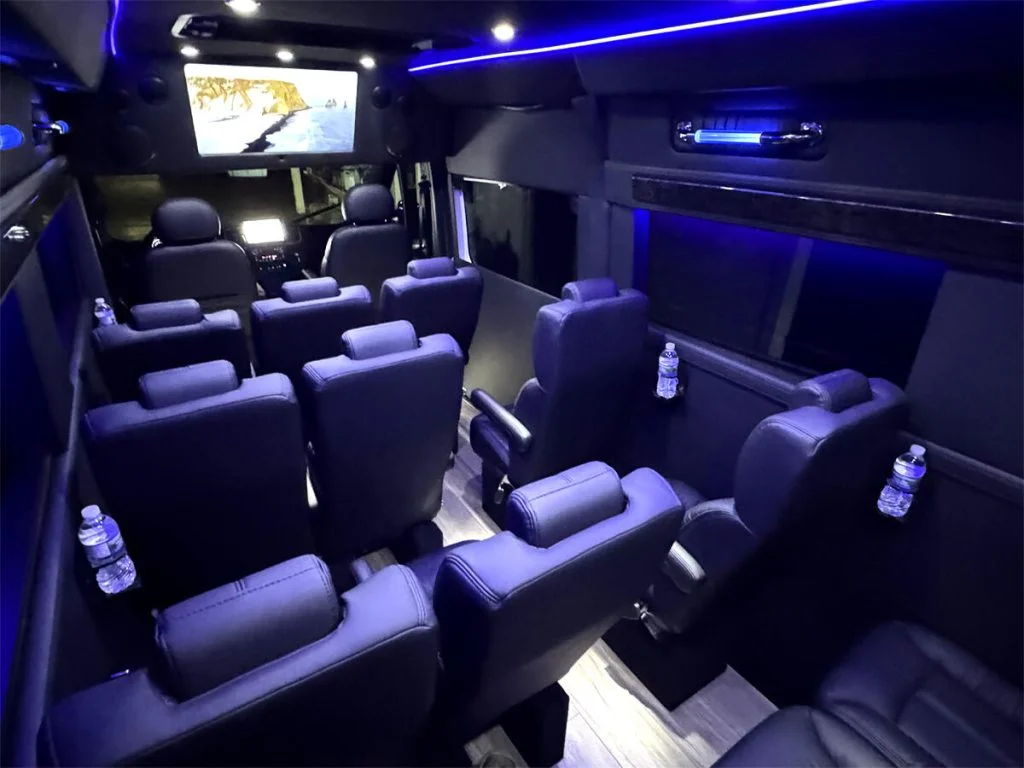
Check the camera view for glare and distracting light behind your face. Try the window shades and interior lights before deciding you need another accessory. Then read the screen from the same position with the call closed; a flattering camera angle is not necessarily a comfortable working angle.
For connection choices and a backup plan, use our separate Sprinter internet guide. Test the services you need at the actual location, including your employer's VPN or meeting software. A signal icon alone does not prove that your work session will run smoothly.
Plan power and privacy before a deadline
Have the seller identify the outlet you will use, when it is powered and which controls operate it. Check the laptop charger's requirements against the installed equipment instructions. Include the other loads that will run at the same time, particularly climate equipment; do not infer a full day's working time from a battery label.
If you intend to plug in at a campground, review the shore-power guide and the instructions for that specific van. Keep cables out of walking routes and avoid arrangements that require a door or storage lid to pinch a cord.
For confidential work, consider who can see the screen and hear the conversation. Follow your organization's rules for connections, devices and sensitive material. A closed shade provides visual privacy, but does not establish that a conversation cannot be heard outside.
Make setup and pack-away part of the test
Finish the demonstration by packing everything away. Time the change from travel mode to work mode and back. Locate storage for the laptop and accessories, confirm that the table stows as instructed, and make sure chargers and loose equipment can be secured before driving.
Use the workspace only while safely parked. Before travel, return seating and removable equipment to their approved travel configuration and use designated belted seats. A convenient desk arrangement should not become the reason you leave loose gear in the cabin.
Keep a short list of what worked, what needed adjustment and what failed during the rehearsal. Share it with AutoElite when discussing a particular vehicle. That makes the next conversation specific: a deeper table, different storage or a quieter call position, rather than a general request for an “office on wheels.”
Sources checked October 22, 2026. Recheck current travel conditions and the equipment, labels and manuals for your specific completed vehicle.