








Buying & ownership
A recall check on a luxury Sprinter starts with the vehicle identification number, but the paperwork should also identify who completed the conversion and what equipment is installed. Keeping those records together makes it easier to ask the right company a precise question. It also avoids mistaking a clean search result for a complete inspection of the van.
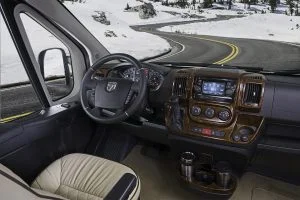
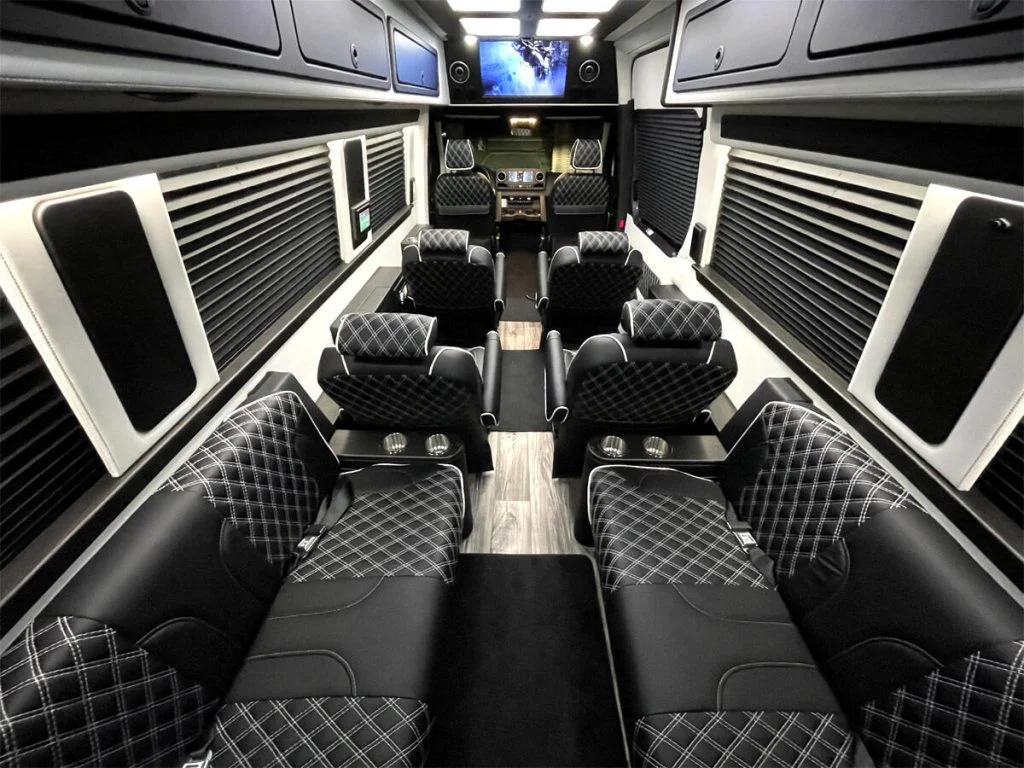
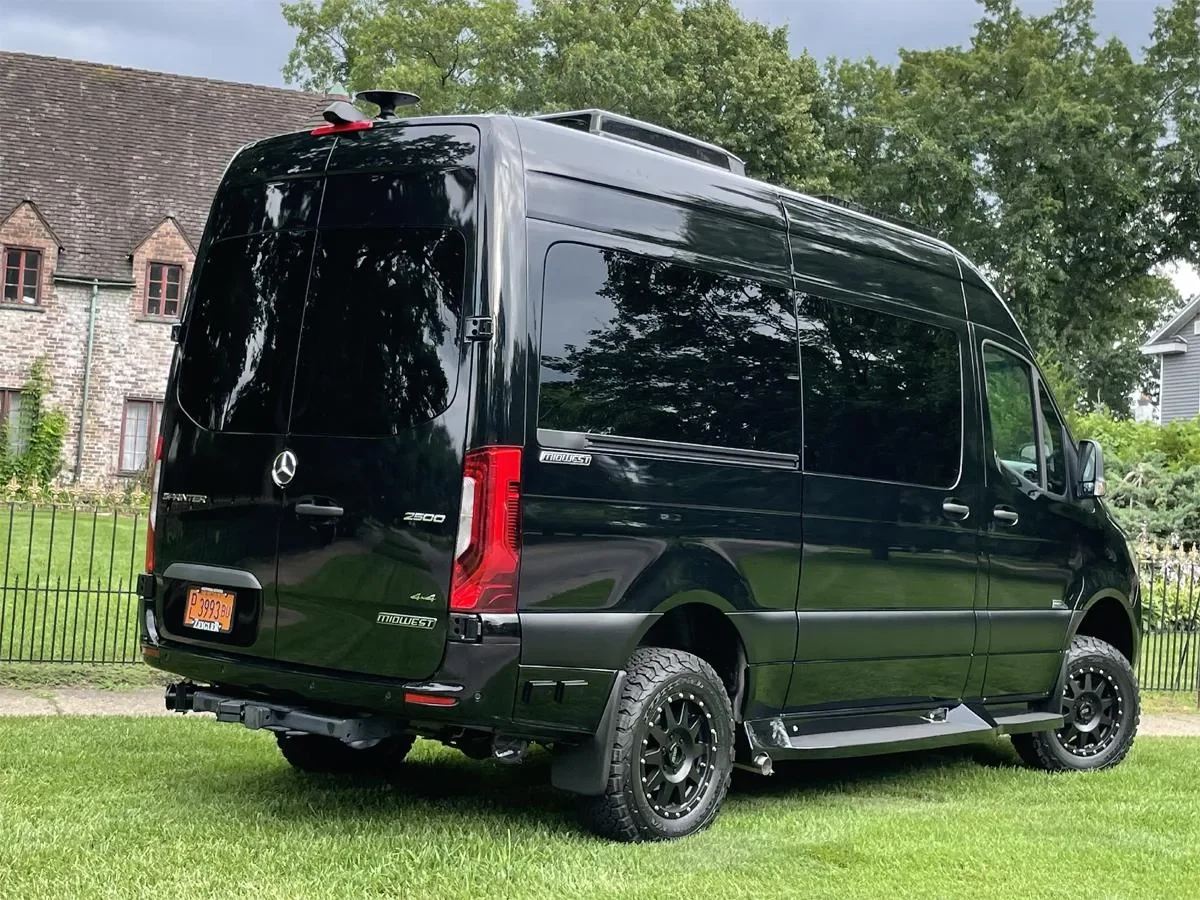
This guide is a records-and-follow-up workflow. It does not identify any particular AutoElite vehicle as recalled, and the photograph above is not evidence of a defect. For the broader purchase inspection, use our used-conversion inspection guide.
Build one record for the completed van
Start a folder with the VIN, Mercedes-Benz model year, conversion company, conversion model and completion date if documented. Photograph accessible identification labels without removing trim or opening electrical enclosures. Add the seller’s equipment list and the manuals supplied with the van. If the advertised year and chassis year differ, ask the seller to explain the documents before you search.
For each major installed appliance or system, record its maker, model and serial number where safely accessible. A refrigerator described only as “the small one under the counter” is hard for a service department to identify. A clear photograph of its label gives the manufacturer something useful to work with. Keep customer-service contact details beside that record.
Run the VIN search and save the date
Use the NHTSA recall lookup for the specific VIN. NHTSA distinguishes that search from a year/make/model search, which returns general information rather than confirming that an individual vehicle is affected. Save the result with the date and VIN so a later conversation does not depend on someone remembering what the screen said.
NHTSA explains that a VIN result does not show completed recalls, some newly announced campaigns, certain older recalls or some specialty-manufacturer recalls. Non-safety customer-service campaigns are also excluded. Those limits are why a zero-result search belongs alongside service records and manufacturer follow-up.
Then visit Mercedes-Benz Vans recall information and contact an authorized van service department with the VIN. Ask whether any campaign needs attention and what documentation they can provide. If an online tool will not load, save the question for the service adviser rather than interpreting a blank screen as a clear result.
Ask the conversion company a separate question
Send the conversion builder the VIN plus its own build number, if available. Ask whether the completed conversion or its installed equipment has any outstanding safety notice or service campaign. Include the equipment list; do not assume every van with the same floorplan has identical components. A previous owner may also have replaced equipment after delivery.
A useful message is: “I’m checking records for this completed van. These are the chassis VIN, conversion identification and appliance labels. Are there outstanding notices affecting this build, and which service provider should handle them?” Request a written answer or case number. If the builder needs another label, get that information before booking an appointment.
Turn a notice into a specific service plan
If a recall is identified, read the notice and follow its interim safety instructions. NHTSA directs owners to contact their dealer for the recall repair. Ask the servicing company whether a remedy is available, whether parts are on hand and whether the completed van fits its facility. Share overall height and any access constraints before the appointment.
Keep these questions together:
- What campaign number and component does the notice identify?
- Does it call for a change in how the vehicle or equipment may be used before repair?
- Who is authorized to perform the work, and what documents should you bring?
- What appointment length and return visit, if any, should you plan around?
- What completion record will identify the VIN, campaign and work performed?
Do not combine a recall appointment with a long vacation itinerary until the service plan is clear. For help preparing the facility questions, see where to service a converted Sprinter.
Keep the closed-out paperwork useful
After service, file the repair order beside the original notice and dated search. Ask the service provider to explain any item still open; an invoice for unrelated maintenance does not answer that question. For a purchase, request those records before handover and note anything the seller still needs to supply.
Update the folder when equipment changes or ownership transfers. Put a recurring reminder on your own calendar to review it, and repeat the check when a notice arrives. NHTSA also offers SaferCar alerts for entered vehicles and equipment. The practical goal is a record that another family member or future buyer can understand without reconstructing several years of emails.
Sources checked October 15, 2026. Recheck current travel conditions and the equipment, labels and manuals for your specific completed vehicle.