


















Buying & ownership
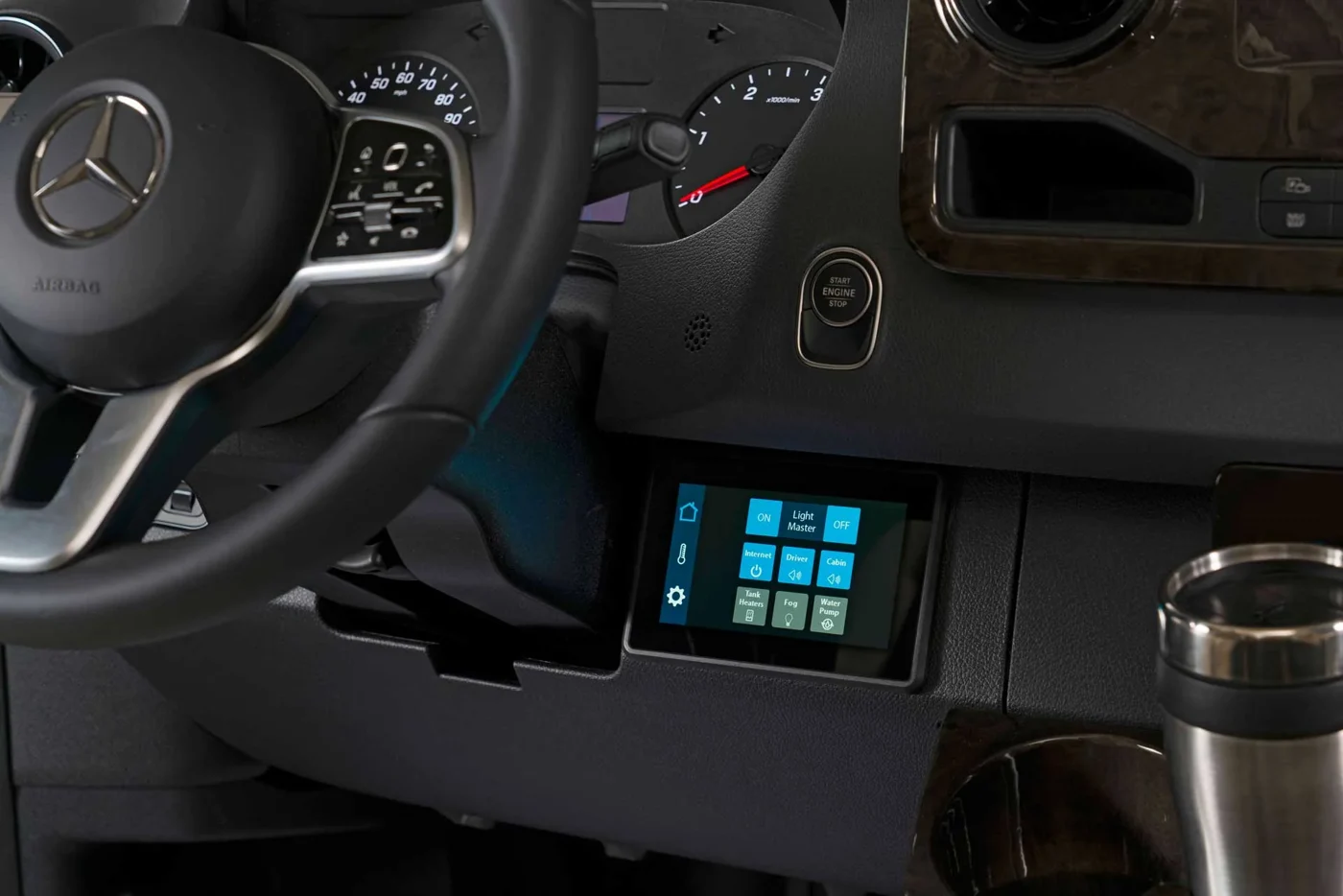
For a diesel Sprinter equipped with a diesel exhaust fluid system, DEF belongs on the departure checklist before a long drive. It is easy to focus on the conversion's batteries, refrigerator and water supply while overlooking a chassis item that needs its own instructions.
This guide helps you organize the checks and records before a trip. It does not replace the procedure for your model year, diagnose a warning or prescribe a universal refill amount. Start with the actual vehicle and the message on its display.
Match the manual to the chassis
A conversion's advertised year and its underlying chassis documentation are worth checking separately. Have the seller identify the chassis model year and the correct operator's manual using the vehicle records. Save a copy where you can read it without a connection.
Mercedes-Benz provides an owner-manual library organized by year and vehicle, including separate supplements. Check for an applicable update as well as the main book. A screenshot from another owner's dashboard is not enough to establish the procedure for your van.
During handover, ask someone to demonstrate where your vehicle shows the DEF level, which filler is for DEF and how you reach the relevant instructions. Take your own labeled photographs while parked. Keep the conversion's cabin controls separate from the chassis display in those notes.
Keep DEF and diesel fuel separate
DEF, also called AdBlue, is used for diesel exhaust aftertreatment. In the 2025 Sprinter manual, pages 134–136, Mercedes-Benz specifies fluid meeting ISO 22241 and warns against putting DEF into the fuel tank, contaminating it or overfilling the DEF tank. These are separate fluids and separate filling points.
The same manual describes a level display and escalating refill warnings that can lead to restricted operation. Treat that as a reason to understand your own display before departure, rather than borrowing its quantities or warning sequence for a different model year.
If the filler identity or displayed instruction is unclear, stop and have a qualified service provider identify it before adding anything. A rushed fuel stop is a poor setting for guessing. Arrange help before the trip if you have not been shown the system.
Check the product and its storage history
The American Petroleum Institute's consumer guidance recommends checking the API certification mark and expiration date on packaged DEF. Its directory allows you to check licensed products. For pump purchases, keep a receipt identifying the product's manufacturer and brand where supplied.
Read the container's storage directions. API notes that heat and direct sunlight can reduce DEF quality, and that dispensing equipment needs to avoid cross-contamination. An old container that has lived in a hot storage compartment should not automatically become your trip's backup supply.
Decide where you will buy the appropriate product along your route. Record a convenient source near home and another near a planned stop, rather than assuming every fuel station carries the right packaging or offers a suitable pump. Confirm availability when a remote stretch makes the stop important.
Make the check early enough to act
Look at the vehicle's level information and any warnings several days before departure, while service help is still easy to arrange. Then follow the applicable manual for any refill and subsequent check. Do not turn an estimated trip distance into a promise that the current supply will last.
Keep a small record of the date, odometer reading, product used and what the display showed before and afterward. A receipt and a clear photograph can be useful if a service provider needs to understand what happened. Record observations rather than interpreting a message as a failed sensor or a particular component fault.
If a warning remains after the instructed procedure, obtain qualified advice. Repeatedly adding fluid or clearing messages without understanding the cause can obscure the original problem. Do not plan a departure around the assumption that a warning will disappear on the highway.
Know who to call while traveling
Save the chassis service contact and roadside-assistance information appropriate to your vehicle before you leave. Confirm that a prospective service location can accommodate the completed van's height and length. Our converted Sprinter service guide explains why both the chassis and conversion details matter when arranging an appointment.
Tell another driver where the manual and records are stored. If you trade driving duties during a trip, agree that dashboard messages get reported rather than dismissed. Make the same check again before a long onward leg, particularly if the van has been parked for an extended stay.
The useful result is a routine you can repeat: the right manual, an understood display, suitable fluid when needed and a service contact if something is unclear. Add it to your delivery and ownership checklist so it travels with the van's other records.
Sources checked October 29, 2026. Recheck current travel conditions and the equipment, labels and manuals for your specific completed vehicle.