



Buying & ownership
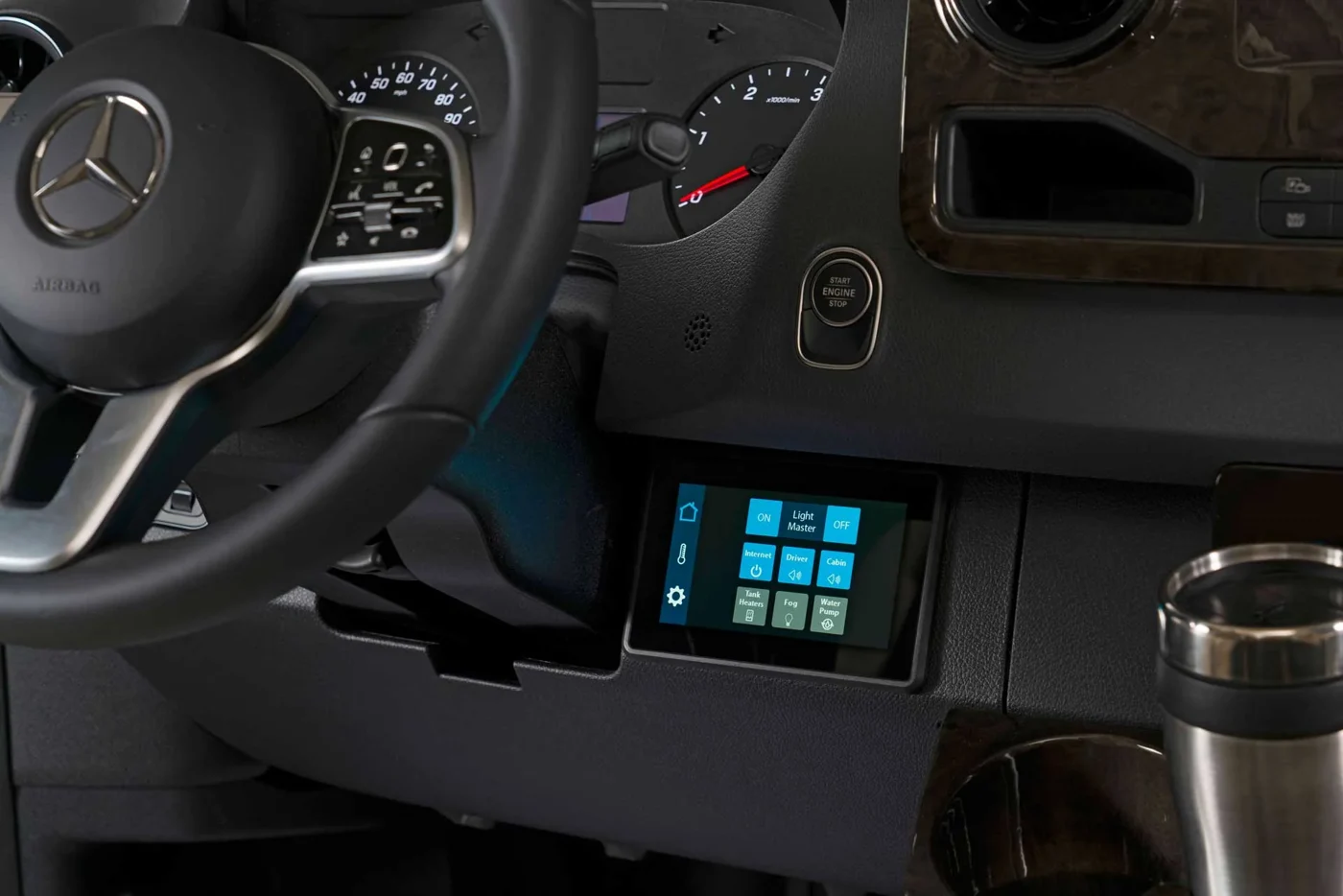
A luxury Sprinter can arrive with a Mercedes-Benz chassis, a completed conversion and several separately branded appliances. Before buying, ask for the paperwork that explains who handles each part. A single phrase such as “under warranty” does not tell you where to take a faulty refrigerator, whether a previous owner completed a transfer, or who must approve a repair.
The useful outcome is a short coverage file for the specific van you are considering. Build it before the purchase decision, while the seller can identify the equipment and supply missing records. This is a document checklist; the applicable written terms and the provider's confirmation determine coverage.
Identify the van and the conversion separately
Start with the VIN, chassis model year, odometer reading, conversion manufacturer, conversion model and build date. Keep photographs of the identification labels alongside the sales description. A model name in an advertisement is useful for shopping, but it should not substitute for the identifiers used by a service department.
Ask the seller to explain any difference between the chassis year and the finished conversion's year. Then request the original delivery or in-service records available for each. Do not assume that the date you buy a used van restarts any coverage period. Put unresolved dates on your questions list rather than filling them in from a similar listing.
Collect the actual coverage documents
The Mercedes-Benz warranty overview distinguishes basic, powertrain and outer-body coverage. Use it to frame questions for an authorized van dealer, then obtain the documents applicable to the exact vehicle. A general overview is not confirmation that a particular repair is covered.
Request the converter's written warranty separately. Ask which installed components it addresses, who administers claims and whether any equipment has its own manufacturer process. If a service contract is offered, keep that contract separate from the original warranties. Ask the seller to identify the provider, covered vehicle, exclusions and approval procedure in writing.
For each document, record the start date, time and mileage limits where applicable, named owner and contact information. Mark anything unconfirmed. A folder containing only a brochure and a sales invoice still leaves important questions unanswered.
Make an equipment list that a service adviser can use
List the major installed systems: heating, air conditioning, refrigerator, electrical charging equipment and any powered seating or lift equipment. Record the manufacturer, model and serial number where accessible without dismantling anything. Ask the seller for label photographs when the identification plate cannot be seen safely.
Appliance paperwork can matter independently of the van's paperwork. For example, Truma's North American warranty conditions request the device serial number, proof of purchase and purchaser contact information for a potential claim. That is an example of what to collect, not a statement that a particular AutoElite van contains Truma equipment or qualifies for its coverage.
Keep receipts and registration confirmations with the matching appliance entry. Label photographs clearly so the next person does not have to guess which control panel belongs to which unit. Avoid posting these documents publicly; share them directly with the seller or service provider when needed.
Ask the transfer and repair questions before paying
For a used conversion, ask each provider whether coverage transfers, what must be submitted and whether any transfer has already been completed. Request written confirmation tied to the VIN or equipment serial number. “The previous owner said it transfers” is a reason to check, not a finished answer.
Ask who authorizes diagnosis, how an approved repairer is chosen, and what happens if a fault appears far from home. Clarify any inspection, maintenance-record or prior-approval requirements in the actual terms. Also ask who pays diagnosis, transport or travel costs if they are outside the applicable coverage. Record the answer without assuming one provider speaks for another.
Our Sprinter service guide can help organize the workshop conversation. Confirm that the chosen location can accommodate the completed van and address the relevant system before arranging an appointment.
Leave with a one-page contact sheet
Put the chassis service contact, converter contact and appliance contacts on one page. Beside each, note the relevant document, identifier and next step for reporting a problem. Save an offline copy with the full paperwork, and keep a second copy somewhere you can access if the van is unavailable.
Before accepting delivery, compare this file with the delivery demonstration checklist. Have unanswered coverage questions resolved by the responsible provider. A well-organized file cannot prevent every fault, but it gives you a clear starting point when a seat, appliance or vehicle system needs attention.
Sources checked November 19, 2026. Recheck current travel conditions and the equipment, labels and manuals for your specific completed vehicle.